Gazebo Simulator
This setup tutorial will guide you through setting up your PC to run the simulated robot on gazebo and some basics commands.
Dependencies
Make sure you check: Prerequisites and you have cloned and tested robotont_description and robotont_nuc_description packages, you can find complete instructions on Visualize.
All Robotont’s packages can be accessed from Robotont’s GitHub.
Packages necessary to run the Gazebo simulation with Robotont’s demos are following:
Install Gazebo Harmonic and the ROS ↔ Gazebo integration packages (required for simulation time /clock, physics stepping, and Gazebo transport bridges), plus common Robotont description tools:
sudo apt update
sudo apt install -y \
    gz-harmonic \
    ros-jazzy-ros-gz \
    ros-jazzy-ros-gz-sim \
    ros-jazzy-ros-gz-bridge \
    ros-jazzy-xacro \
    ros-jazzy-robot-state-publisher
After cloning the Robotont and gz_planar_move repositories into your workspace src/, install remaining dependencies with rosdep:
cd ~colcon_ws
rosdep update
rosdep install --from-paths src --ignore-src -r -y
Building and sourcing the colcon workspace
cd colcon_ws
colcon build
Make the workspace visible to ROS 2 (must be done for every new terminal)
source ~/colcon_ws/install/setup.bash
For automatic sourcing:
echo "source ~/colcon_ws/install/setup.bash" >> ~/.bashrc
Running the Simulation
Launch file arguments
Name |
Description |
Options |
|---|---|---|
|
Specify the generation of robotont model that is to be loaded |
2.1, 3 (default) |
|
Specify the model that is to be loaded into the world |
robotont_gazebo_basic, robotont_gazebo_lidar, robotont_gazebo_nuc (default) |
|
Specify world the robot is spawned in |
bangbang.sdf, between.sdf, colors.sdf, mapping.sdf, maze.sdf, minimaze.sdf, minimaze_ar.sdf, empty_world.sdf (default) |
|
Specify the robot’s spawn pose |
Number, 0 (default) |
Tip
For example, loading the generation 3 model in colors.sdf world at pose (-2, 1, 0):
ros2 launch robotont_gazebo gazebo.launch.py world:=colors.sdf x:=-2 y:=1
Worlds
World |
Example |
Launch Command |
|---|---|---|
minimaze.sdf |
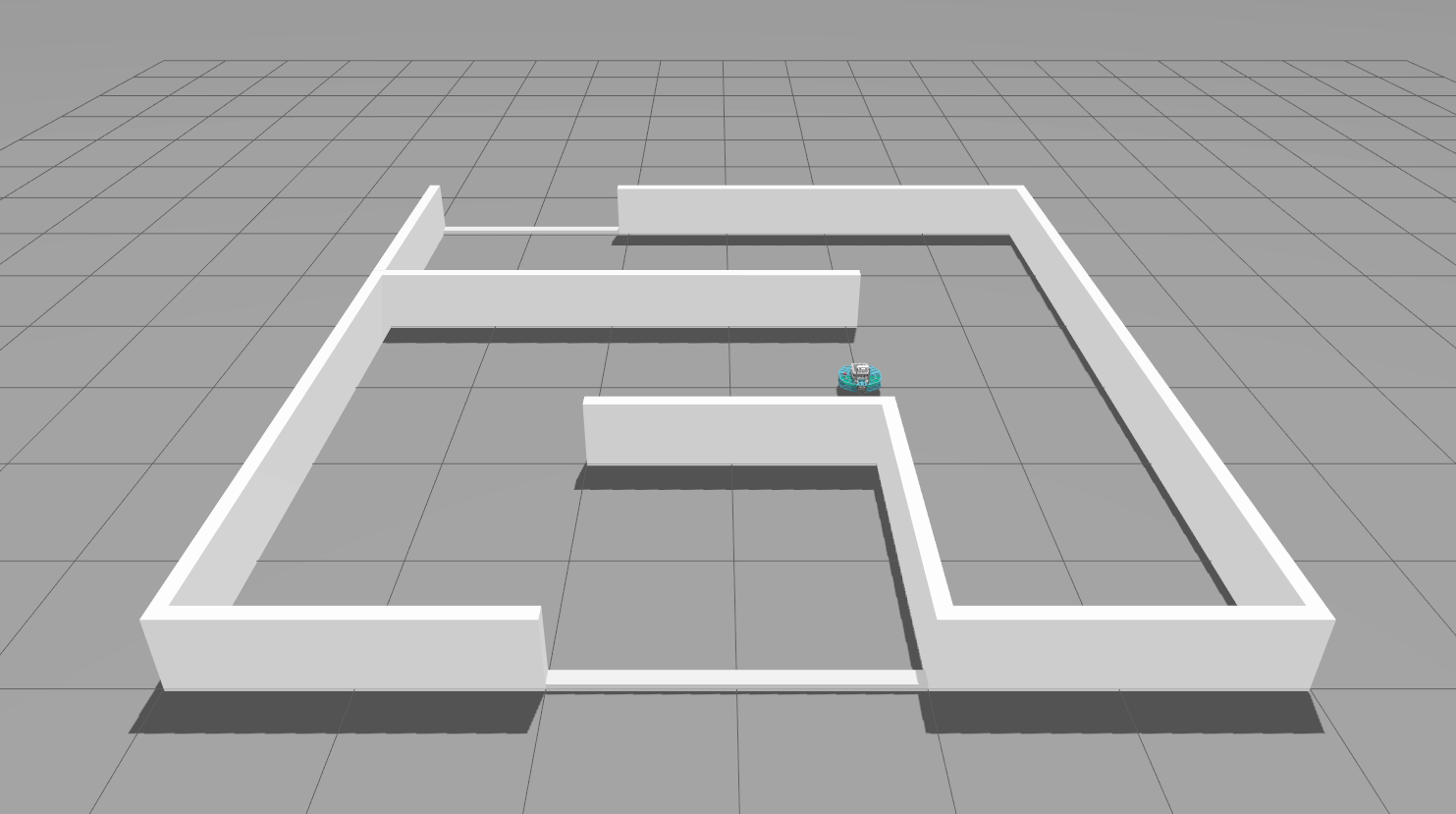
|
|
bangbang.sdf |
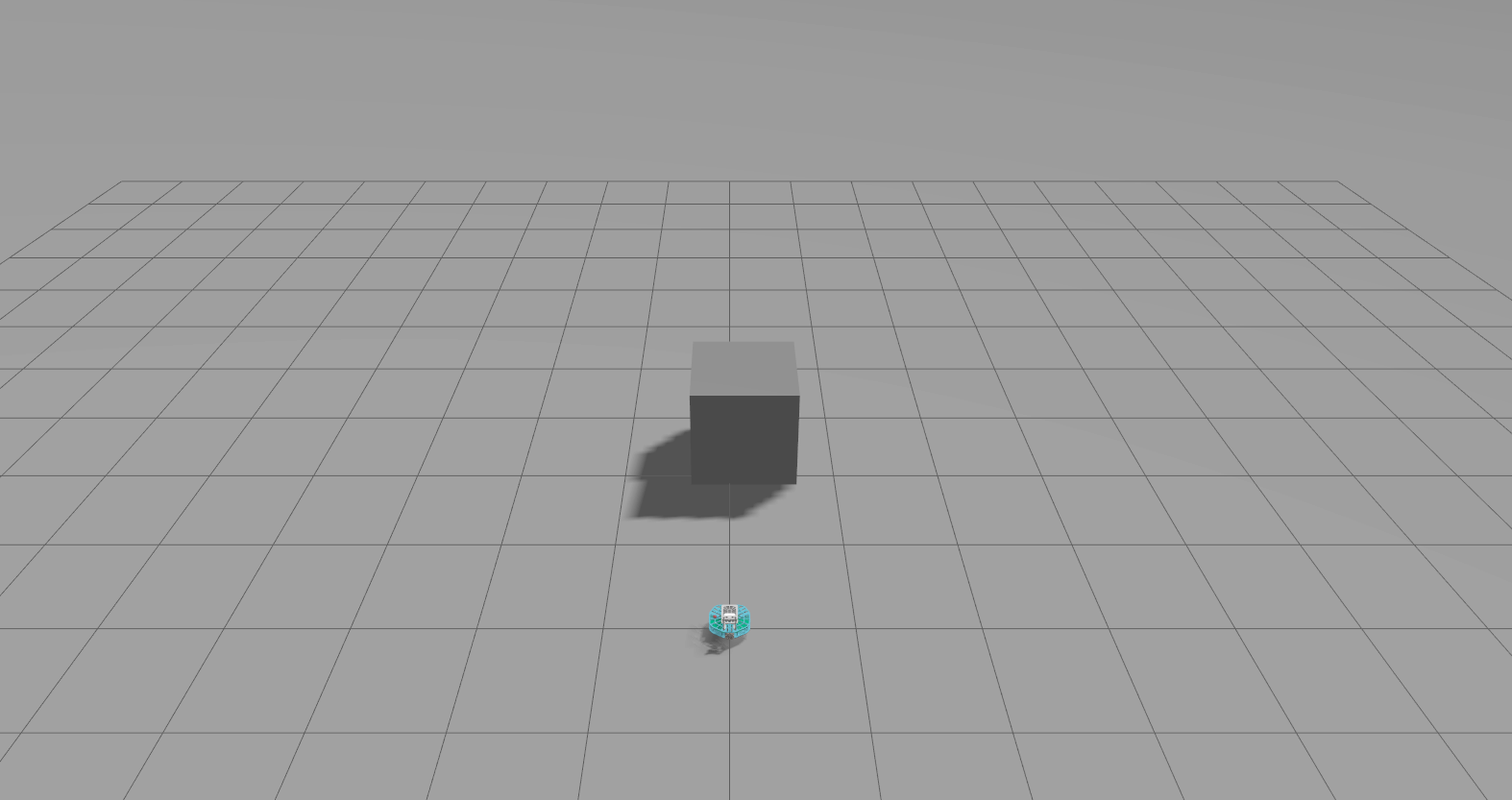
|
|
between.sdf |
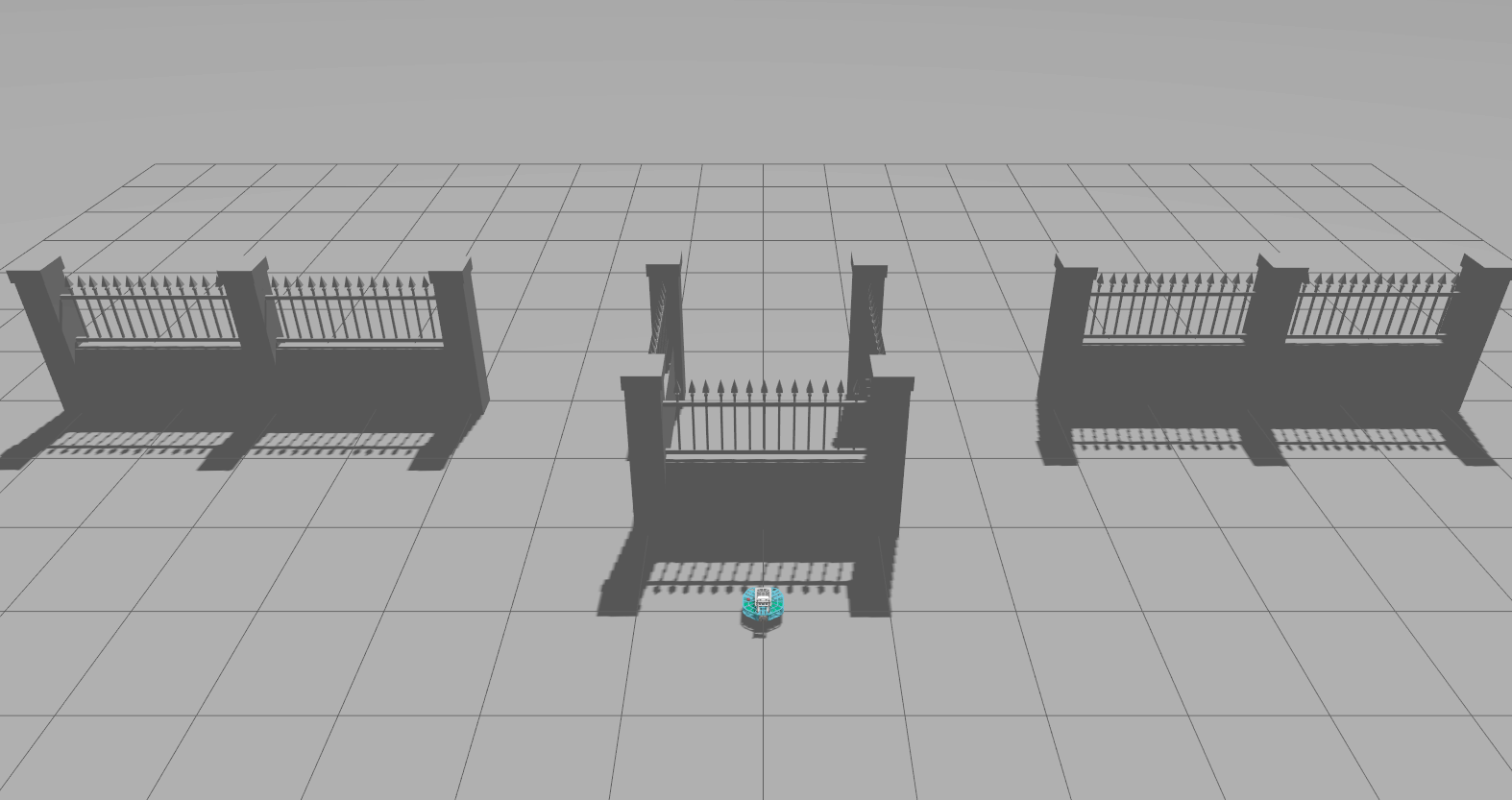
|
|
colors.sdf |
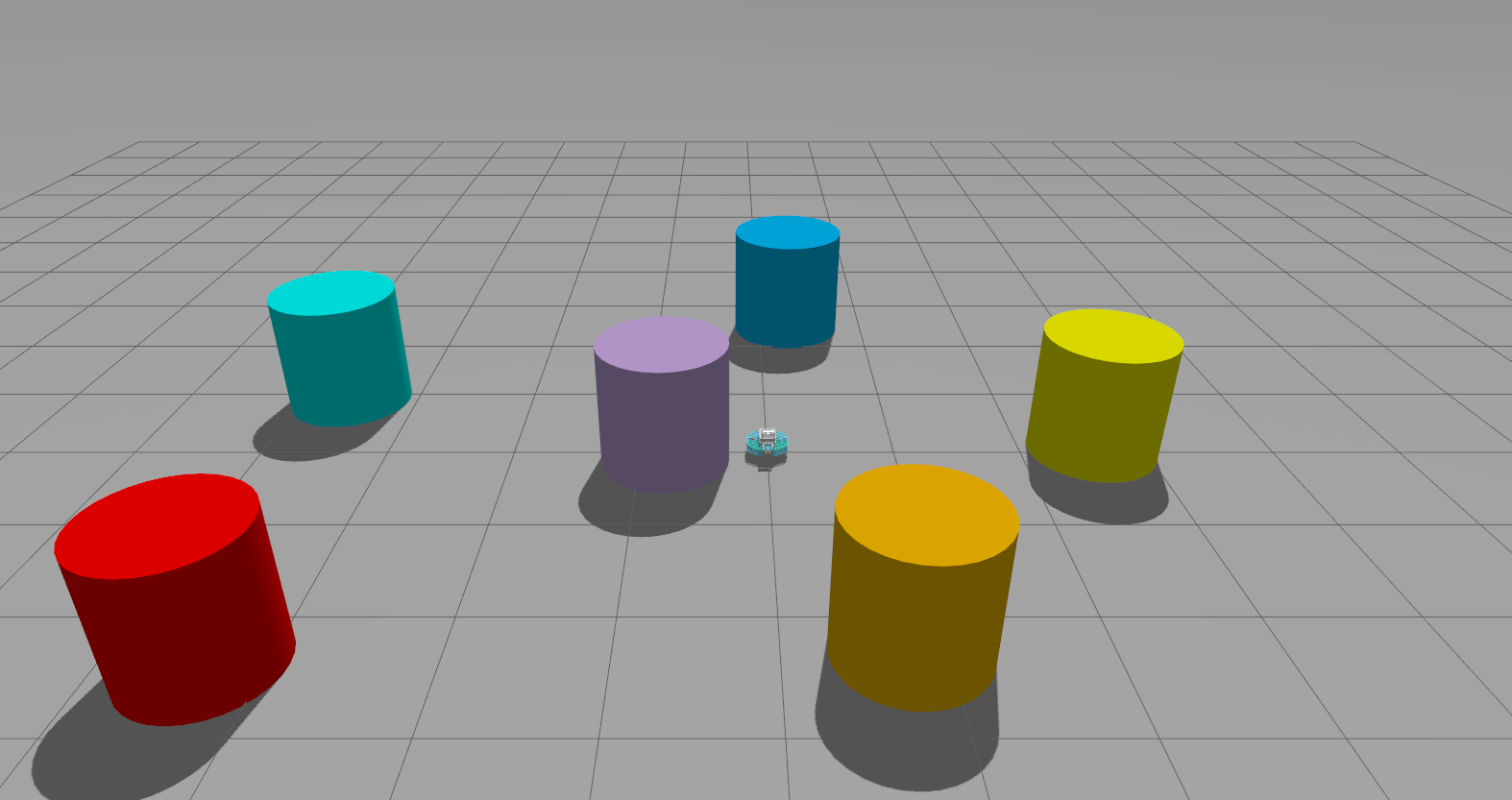
|
|
mapping.sdf |
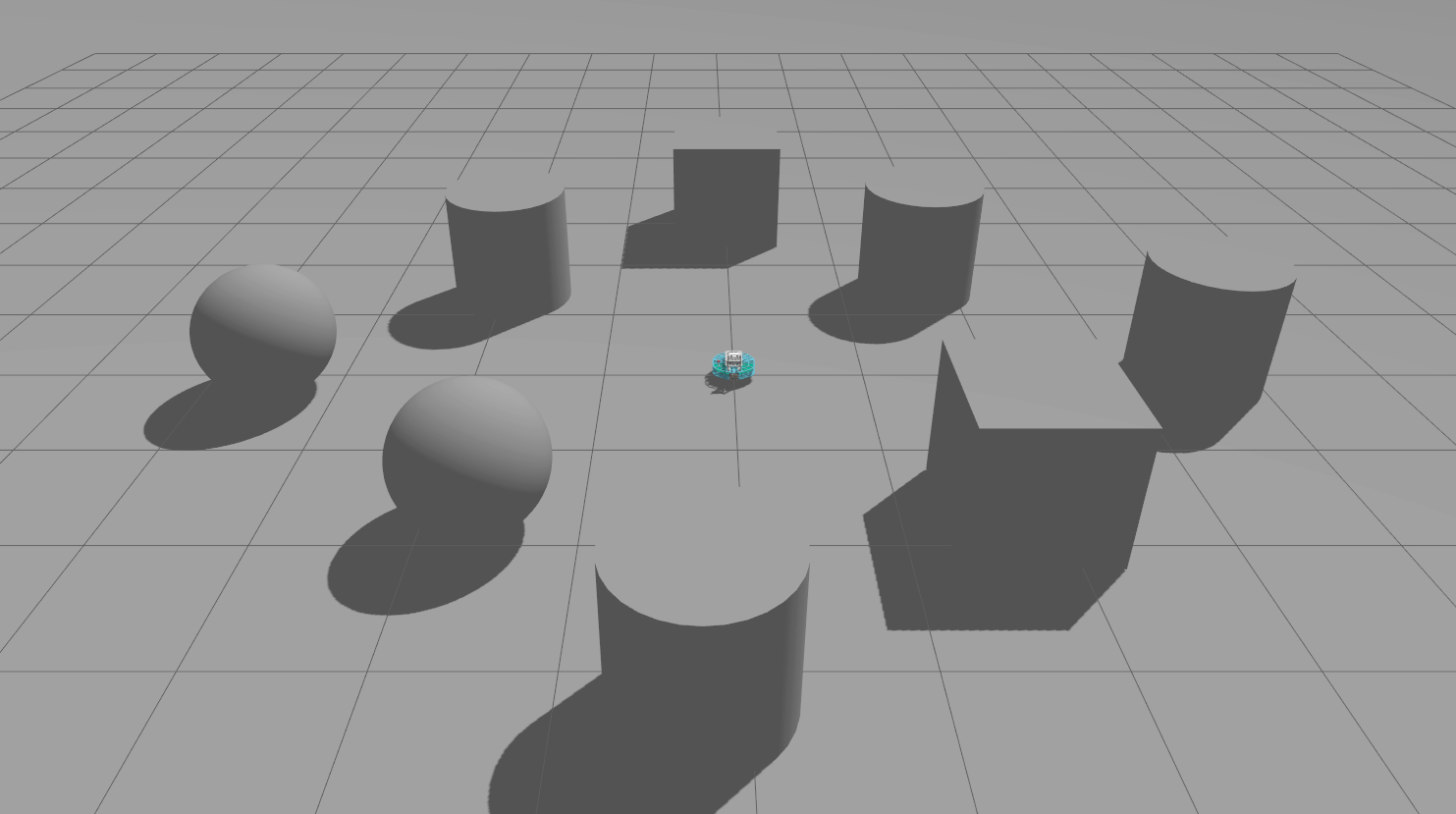
|
|
maze.sdf |
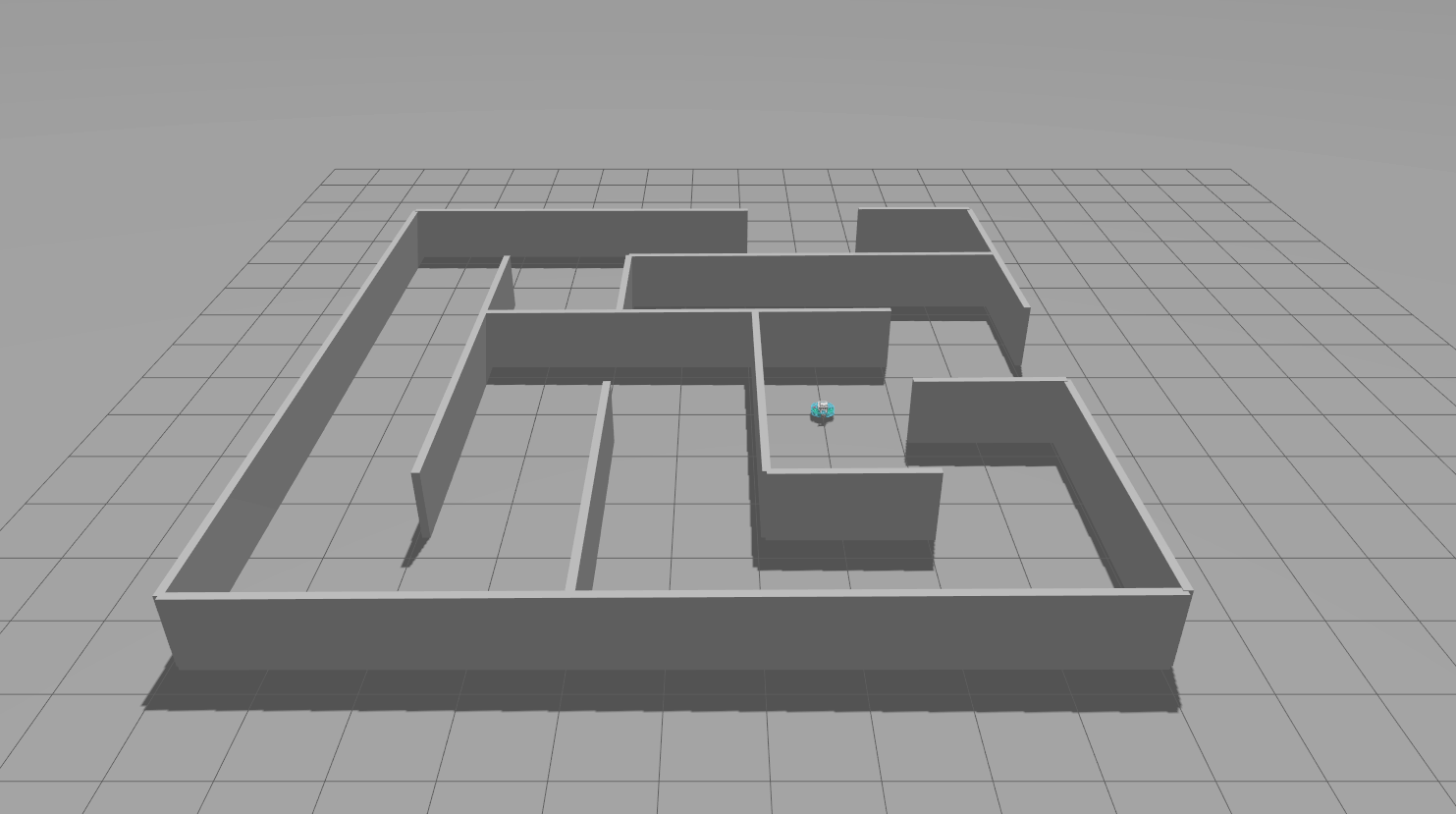
|
|
minimaze_ar.sdf |
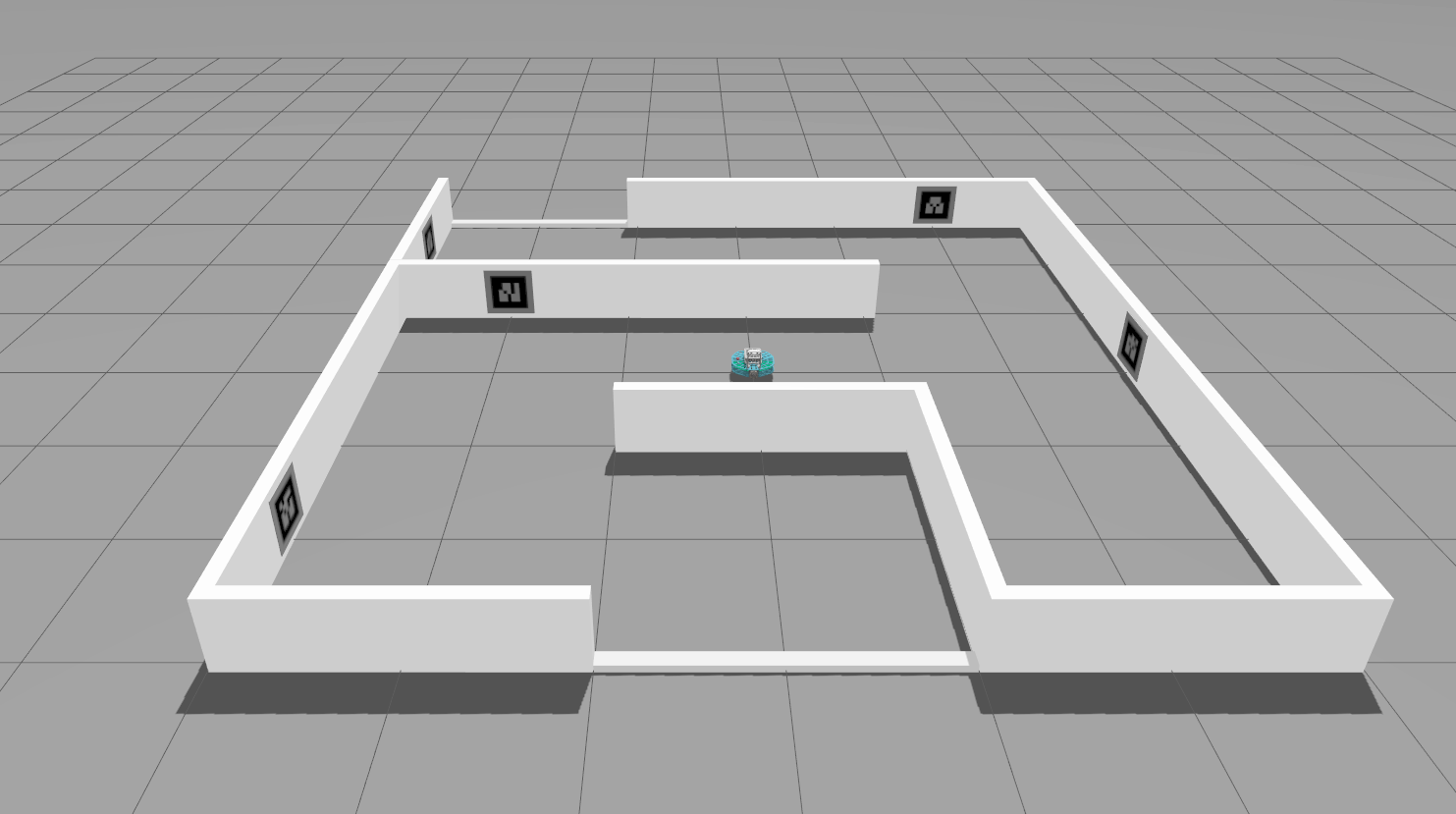
|
|
After building and sourcing your workspace, you can spawn the robot in a gazebo world, for example:
ros2 launch robotont_gazebo gazebo.launch.py world:=colors.sdf
Open a second terminal and use teleop_twist_keyboard to control the robot:
ros2 run teleop_twist_keyboard teleop_twist_keyboard
If everything worked correctly, you should see the following in your terminal:
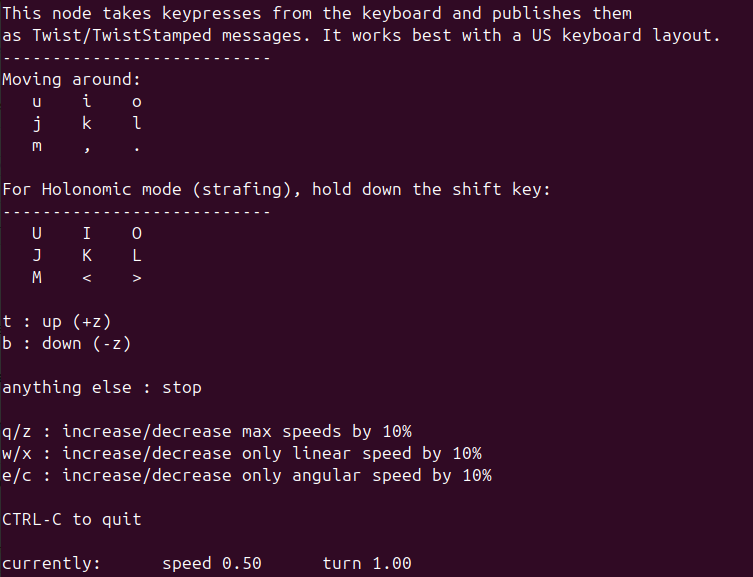
By pressing different keys in this terminal, you’ll see the robot move Refer to individual demo package READMEs for more details on launching specific demos. See the Demos on Gazebo for more information about the demos.